
PituBot · Binance · OKX · Bybit · Bitget
Is a Binance P2P Bot Safe?
No Binance P2P bot is risk-free. Safety depends on the API permissions a merchant grants, the security of the exchange account, the boundaries configured in the strategy, and the merchant's ability to pause, review, and revoke access when needed.
Security controls to review
Use a unique API key with only needed permissions, never enable withdrawals, set price limits, keep two-factor authentication active, and pause automation if results look unexpected.
Safety practices for bot access
- Use a dedicated API key with only required access
- Keep withdrawals disabled
- Use price boundaries and review visible bot activity
Safety begins before connecting
Create a dedicated API key for PituBot rather than using a broad key shared with several services. Enable only permissions required for the intended workflow. Do not enable withdrawals. Maintain Binance account protections such as a strong password and two-factor authentication.
A dedicated key makes revocation clearer. If you stop using the product or suspect exposure, you can revoke the specific key without guessing which other integration it belongs to.
- Dedicated API key
- Minimum permissions
- Withdrawal disabled
- Account protections kept active
Use strategy limits as operational guardrails
A price boundary does not eliminate risk, but it limits the range in which a configured strategy may request an update. Configure the relevant minimum or maximum for each BUY or SELL ad, select only meaningful competitor conditions, and review the current estimate before saving.
The ability to pause is equally important. If an estimate looks wrong, a market condition changes, or you cannot explain a result, pause the bot first. Then inspect the ad, filters, boundaries, and recent runs before re-enabling it.
Safe API configuration checklist
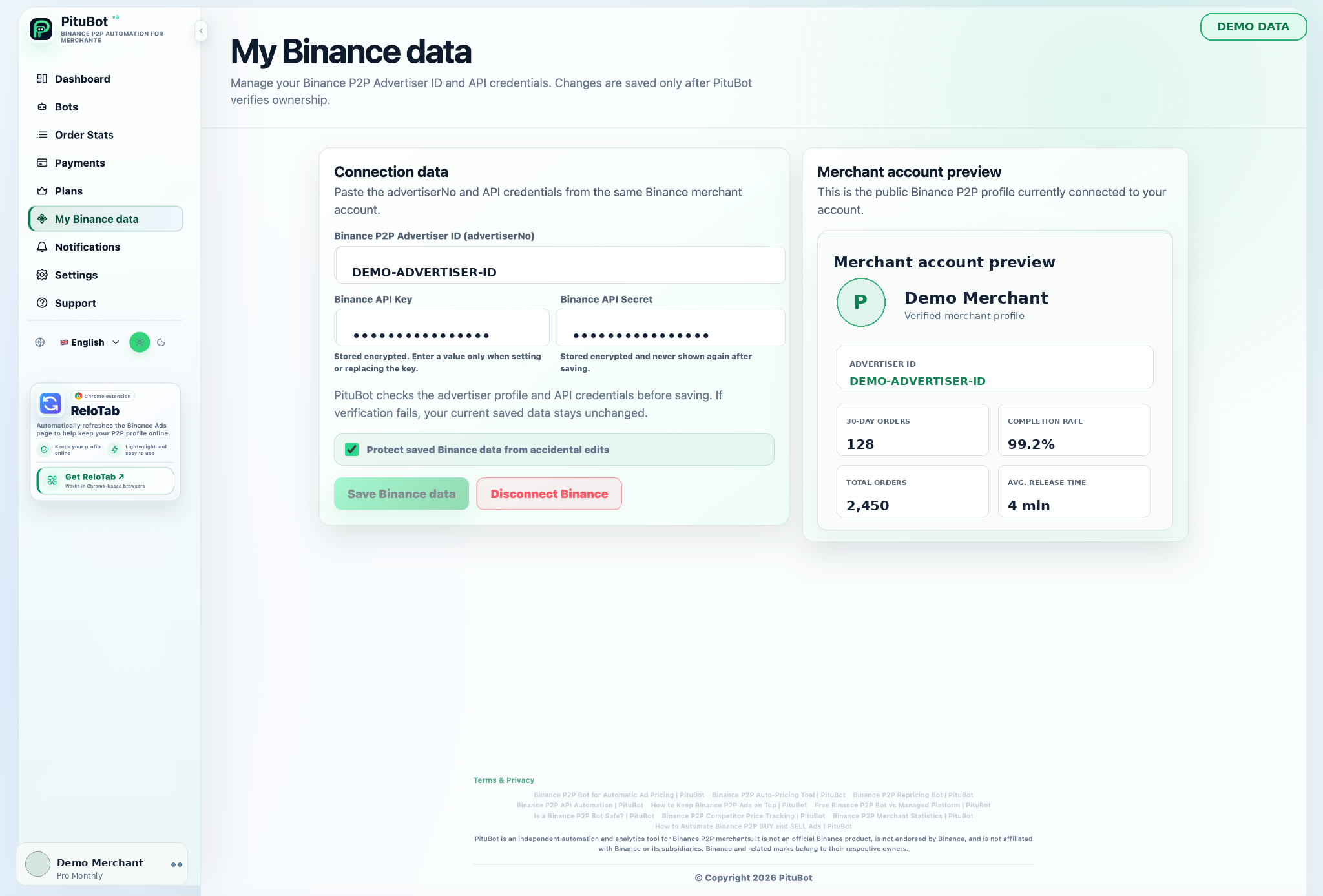
Enable the least API access that the supported workflow requires. Keep withdrawal permission disabled. Do not share API secrets in support chats, screenshots, email, or documents. Store access only through the intended PituBot connection form and revoke a key you no longer use.
Newly saved credentials are encrypted by the application with authenticated encryption and are masked in the account interface. They are decrypted in application memory for connection management and supported Binance API operations.
- Enable: only minimum workflow permissions
- Keep disabled: withdrawal permission
- Review: key ownership, connected account, selected ads, and bot status
Illustrative revocation workflow
Illustrative scenario: a merchant notices an API key in a place they do not recognize. They pause the PituBot bot, remove the connection if appropriate, revoke the dedicated key in Binance, and create a new minimum-permission key only after reviewing their account security.
The goal is not to wait for proof that something is wrong. The goal is to remove unnecessary access quickly and investigate with a clear record of which key belonged to which workflow.
Limits of a safety checklist
A checklist cannot guarantee the security of an exchange account, a device, a network, or a third-party provider. It also cannot make a pricing rule commercially appropriate by itself. Continue to review live conditions and account activity.
PituBot is an independent third-party tool. Binance controls its own API, marketplace rules, and account eligibility.
Read the API automation guide for the connection and validation workflow.
A safety decision tree for unexpected activity
If a price, login, or API state looks unfamiliar, stop automation before trying to diagnose it. Then review the connected account, active ads, strategy boundaries, and recent bot activity. If the concern is about the API key rather than only a pricing rule, revoke the dedicated key in Binance and create a new scoped key only after the account itself has been reviewed.
Two-factor authentication, a unique password, and careful device security remain Binance account responsibilities. PituBot cannot protect a key that has been copied into an unsafe place or make a merchant’s own price boundaries commercially safe. The checklist reduces avoidable exposure; it does not create a guarantee.
Review access on a schedule
Security settings should be revisited after a device change, a team change, an API permission update, or a period in which the bot was not used. Confirm that every key still has a named purpose, that withdrawals remain disabled, and that the connected merchant account and selected ads are still expected.
If a key has no current purpose, revoke it instead of leaving it available for a future project. Reducing unused access is a practical safeguard independent of the automation product you choose.
PituBot controls to review
Pause control
Stop automation before investigating an unexpected result.
Per-ad boundaries
Limit permitted price movement for selected ads.
Visible connection workflow
Validate the merchant account before connecting ads.
Revocation path
Remove access in PituBot and revoke the dedicated key in Binance.
Practical workflow
Secure the account
Keep exchange account protections active.
Create a dedicated key
Do not use a broad shared key.
Disable withdrawals
Never enable withdrawal permission for this workflow.
Set boundaries
Configure per-ad safeguards while paused.
Pause or revoke
Stop the bot and revoke access if conditions are unclear.
Responding to an unexpected price estimate
A merchant sees an estimate outside the range they expected. Rather than saving the strategy, they pause the bot, check the selected competitor payment methods and limit range, then revise the rule. If the API connection itself is in doubt, they revoke the dedicated key first.
This response keeps a confusing market signal from becoming an uncontrolled automated action.
Frequently asked questions
Is a Binance P2P bot completely safe?
No. Every API connection and automation workflow carries risk. Safety depends on permissions, account security, boundaries, review, and revocation practices.
Should withdrawal permission be enabled?
No. Keep withdrawal permission disabled for the PituBot API key.
Should I use a dedicated API key?
Yes. A dedicated key can be scoped and revoked without affecting unrelated integrations.
Do price limits remove all risk?
No. They limit configured price movement but do not replace active review or account security.
What should I do if a bot result looks wrong?
Pause the bot, inspect the selected ad and strategy, review the comparable offers, and correct the configuration before re-enabling it.
How do I end access to PituBot?
Pause the bot, remove the connection as appropriate, and revoke the dedicated API key in Binance.
Which exchanges can I connect to PituBot?
Connect Binance, OKX, Bybit and Bitget to PituBot. Explore the free P2P scanner and manage supported exchange tools in one workspace. Available features depend on the exchange and your account permissions.
Start your free PituBot trial
Create an account, connect only the merchant account and ads you intend to manage, then review the configuration before enabling automation.