
PituBot · Binance · OKX · Bybit · Bitget
Binance P2P Telegram Order Notifications
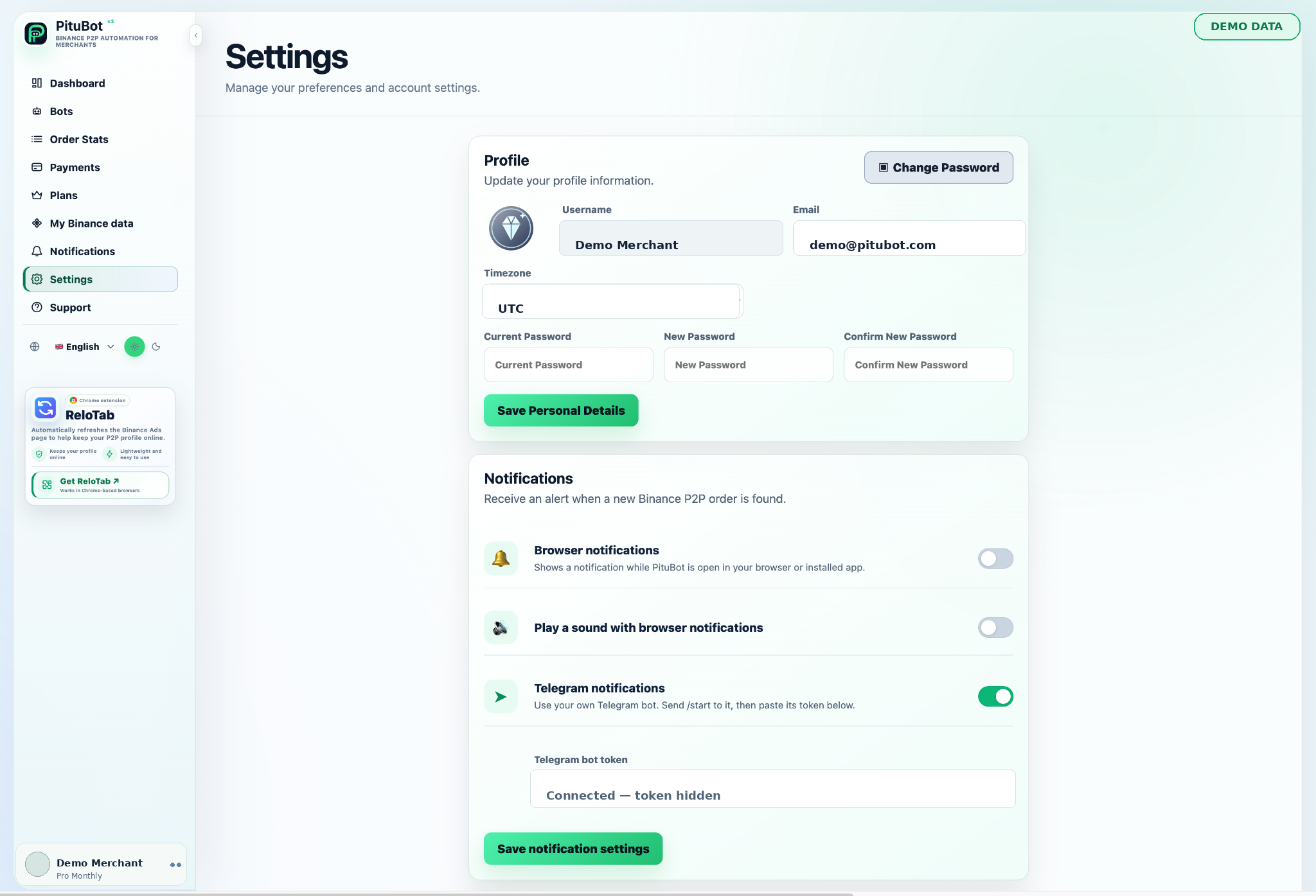
Eligible PituBot plans can send new-order alerts through a Telegram bot configured by the account owner, while browser and sound notifications can be managed separately.
How Telegram Notifications Work
The account owner supplies and protects their own bot token, selects the permitted notification settings, and can review or disconnect the integration when needed.
When an eligible notification setting is enabled, PituBot can send a new-order alert through the Telegram bot connection configured by the account owner. Notification delivery depends on the settings and the availability of the connected services.
The account owner creates and controls the Telegram bot connection. Keep the configuration private, confirm the destination before enabling alerts, and remove access when it is no longer needed.
Connect Your Own Telegram Bot
- Use only selected ads and relevant payment methods
- Set boundaries before enabling automation
- Review activity and keep manual control available
Browser and Sound Notifications
Browser and sound notifications can be managed separately from Telegram. This lets a merchant choose which alert channels are useful without relying on a single device or browser state.
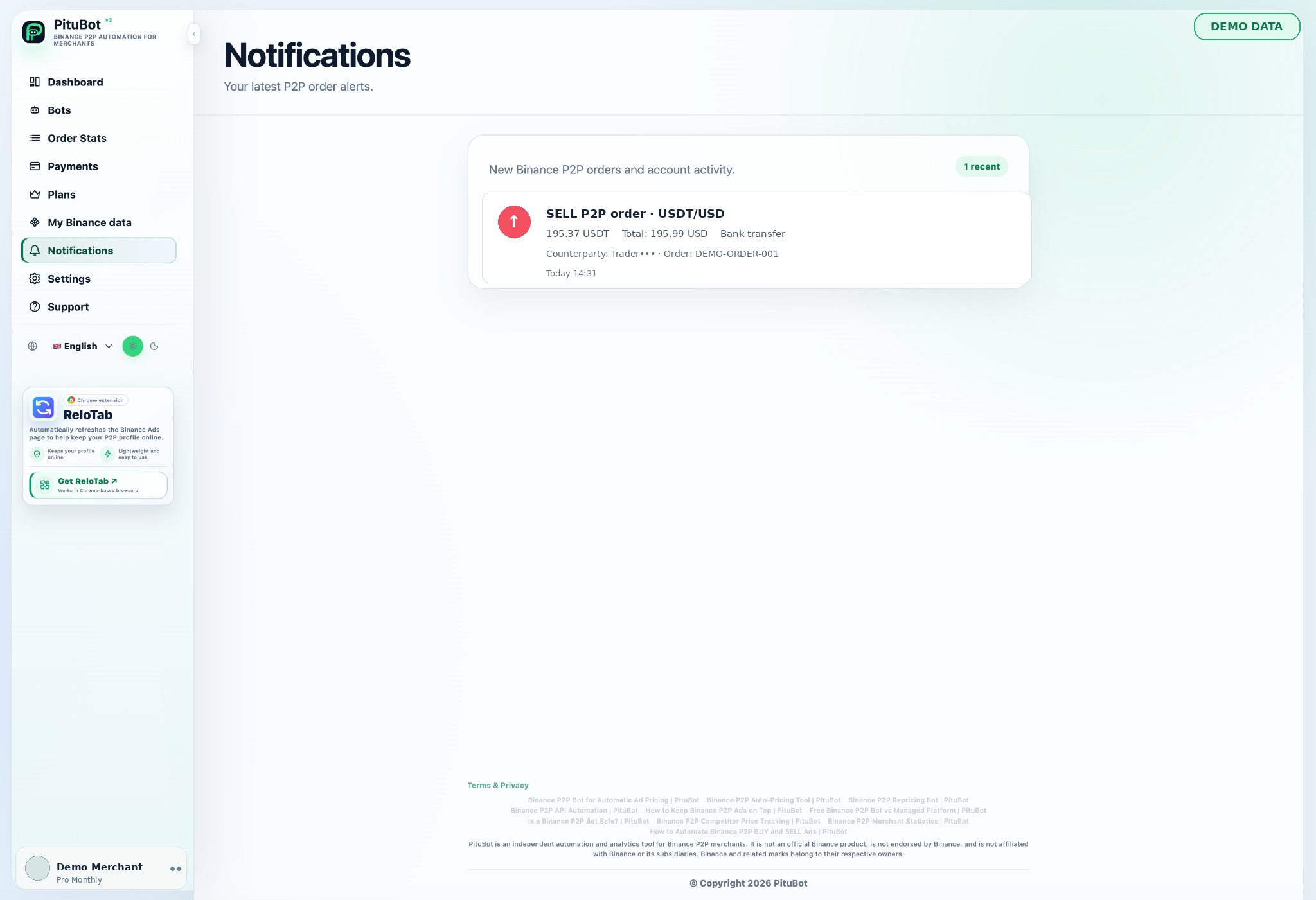
Information Included in an Order Alert
An alert is intended to help the account owner notice a new order and open the workspace for review. Treat any notification as a prompt to verify order details in the appropriate account interface.
Protect Your Bot Token
A bot token is a private credential. Do not publish it, paste it into screenshots, reuse another service token, or share it with people who do not need access. Replace or revoke it if exposure is suspected.
Common Notification Issues
Check the configured bot connection, destination, browser permission, device sound setting, and notification preferences. If an alert is missing, verify the original order in the workspace rather than relying on the notification alone.
PituBot controls to review
Clear controls
Review the settings that apply to each selected workflow before enabling automation.
Relevant context
Use the selected pair, side, payment methods, and date range when interpreting data.
Manual review
Pause or adjust a configuration whenever the observed conditions do not fit the strategy.
Practical workflow
Connect
Connect an eligible account with the required limited permissions.
Select
Select the ads, data view, or notification channel relevant to the workflow.
Configure
Set filters, boundaries, and preferences before using the feature.
Review
Review the result and retain manual control when conditions change.
Example: verify an alert channel safely
An account owner creates a dedicated Telegram bot, stores its token only in the protected PituBot form, confirms the intended destination, and enables the desired order alert. After a test, they verify the order in the workspace and revoke the token immediately if it was exposed elsewhere.
Frequently Asked Questions
Who controls the Telegram bot?
The account owner configures and controls the bot connection used for alerts.
Can browser and sound alerts be configured separately?
Yes. They are separate notification channels with their own settings.
Should I share a bot token?
No. Treat it as a private credential and replace it if exposure is suspected.
Do alerts replace order review?
No. Use an alert as a prompt to verify the order in the workspace.
Why might an alert be missing?
Check the bot connection, destination, browser permissions, sound settings, and notification preferences.
Which exchanges can I connect to PituBot?
Connect Binance, OKX, Bybit and Bitget to PituBot. Explore the free P2P scanner and manage supported exchange tools in one workspace. Available features depend on the exchange and your account permissions.
Start Your Free PituBot Trial
Review the notification options available to your plan and configure only the alerts you need.